Keychron K8 Keyboard Review
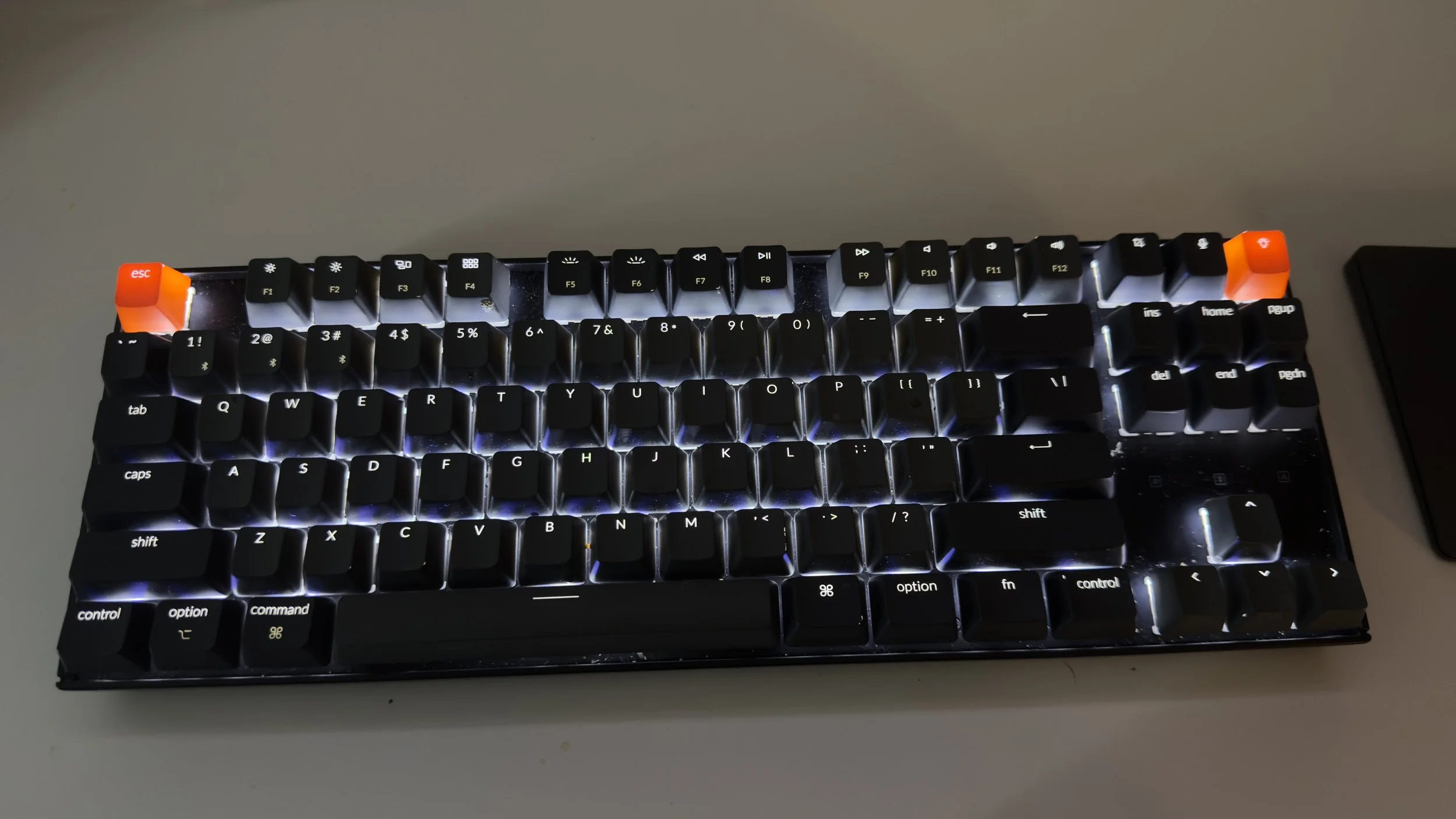
Picture of my Keychron K8 on my desk next to my Magic Trackpad from Apple.
Disclaimer: This post is NOT sponsored by Keychron or anyone else.The Keychron K8 is a great and pretty inexpensive mechanical keyboard for what it offers you. It is less customizable than other mechanical keyboards that you can find on the market from Keychron themselves, Razor, SteelSeries, etc., but it offers enough customizability for people like me who are new to keyboard building and new to the whole world of what a mechanical keyboard could be. The Keychron K8 comes with an 87-Key layout, Bluetooth 5.1, a wired USB-C option that is included in the box, MacOS, iOS, Android, and Windows compatibility. It comes with the Mac keys already attached to the keyboard, but Windows keycaps are included in a little plastic bag in the box if needed. It has a 4,000mAh battery, three total angles for the keyboard (flat, small feet, and slightly taller feet). It also has hot-swappable switches if you opt for them. The version I have with the white backlight keys has 14 different lighting modes. The RGB version has 18 different lighting modes.
If you are looking for a versatile mechanical keyboard that you don’t have to put everything together yourself and build it all from scratch, I highly recommend the Keychron K8. I have been using the Keychron K8 for a few years now, pretty much since it came out, and it has not failed me. As someone who likes to type a lot and is constantly using my keyboard for video editing, writing scripts for YouTube, taking notes, and a whole bunch of other stuff, it is the best keyboard that I have ever used in my life. I know it sounds like I am overdoing it when I say that, but having a great keyboard is like having a great chef’s knife, or a great pen, or a great paint brush. When the tool is great, you feel great using it, and you want to use it more and see how far that tool can go.
The Options I Chose:
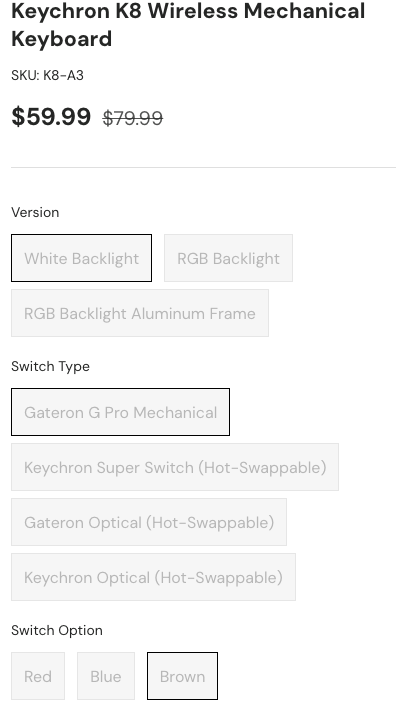
The options I chose for my keyboard. I chose white backlights, Gateron G Pro Mechanical switch type, and brown switches.
There are a lot of different options when it comes to making the keyboard, so I will explain what the options are here.
Version:
White Backlight - White backlights for the keys, like I have pictured on my keyboard above. 14 lighting changes.
RGB Backlight - Red, Green, and Blue backlights for each key with 18 different lighting options.
RGB Backlight aluminum frame - The same as RGB backlight, but with an aluminum frame instead of the hard plastic frame that the keyboard normally comes with.
Switch Type: The switches are the things that are under the keys that you press on the keyboard. You can see one pictured below.

Brown switches are considered to be the best all-around switch for gaming and for typists.
Gateron G Pro Mechanical - The Gateron G Pro Mechanical switches are currently considered to be the best switches that are mass-produced.
All of the switches except for the Gateron G Pro Mechanical are hot-swappable. All that hot-swapping means is that they can be switched out without having to power off the device.
Switch Type:
Red - These switches are even all around and provide a smooth and quiet press without that very loud clicky sound. These are best for gamers or anyone who wants a mechanical keyboard without it being too loud.
Blue - These switches are very loud, clicky, and tactile when they are pressed. These are best for people who do a lot of typing and prefer a louder and very clicky button press when they are typing.
Brown - The middle ground of the switches and versatile. They are tactile without being too loud like the Blue switches. These are the ones that I like the most; they give the best of both the blue and red switches.